

Unlocked ZTE MF286D CAT 12 600mbps 4G+/LTE Home/Office Router (White). 2 x RJ11 Tel Ports. 2 x External Antennas. Works with any Mobile Network Sim Worldwide. 2.4/5GHz Wi-Fi + Bridge Mode (Renewed)
£84.95
Price: £84.95
(as of May 15, 2026 16:39:47 UTC – Details)
Product Description
UNLOCKED ZTE MF286D 4G+ Router – 600mbps

UNLOCKED ZTE MF286D 4G+ Router
Will work with any Mobile Operator’s Sim Card Worldwide
Highlights:
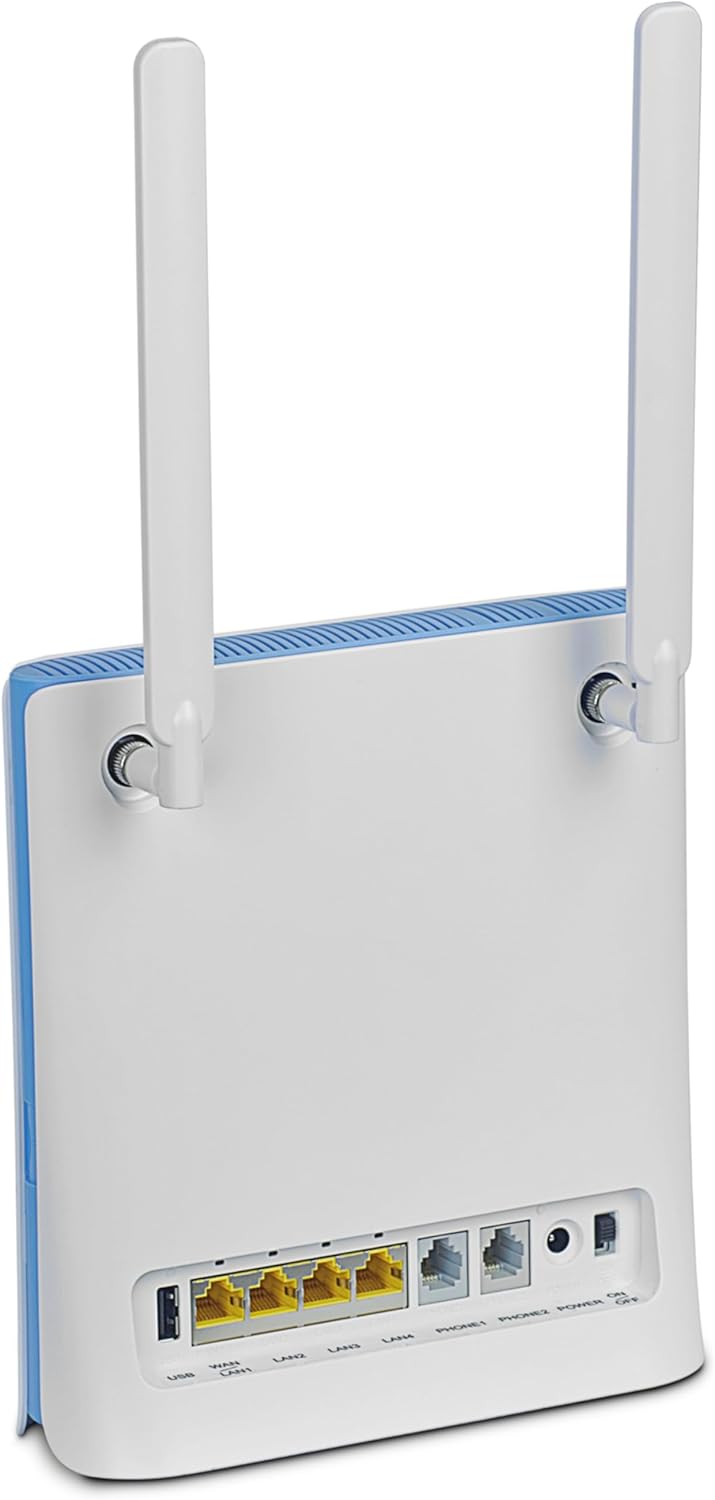
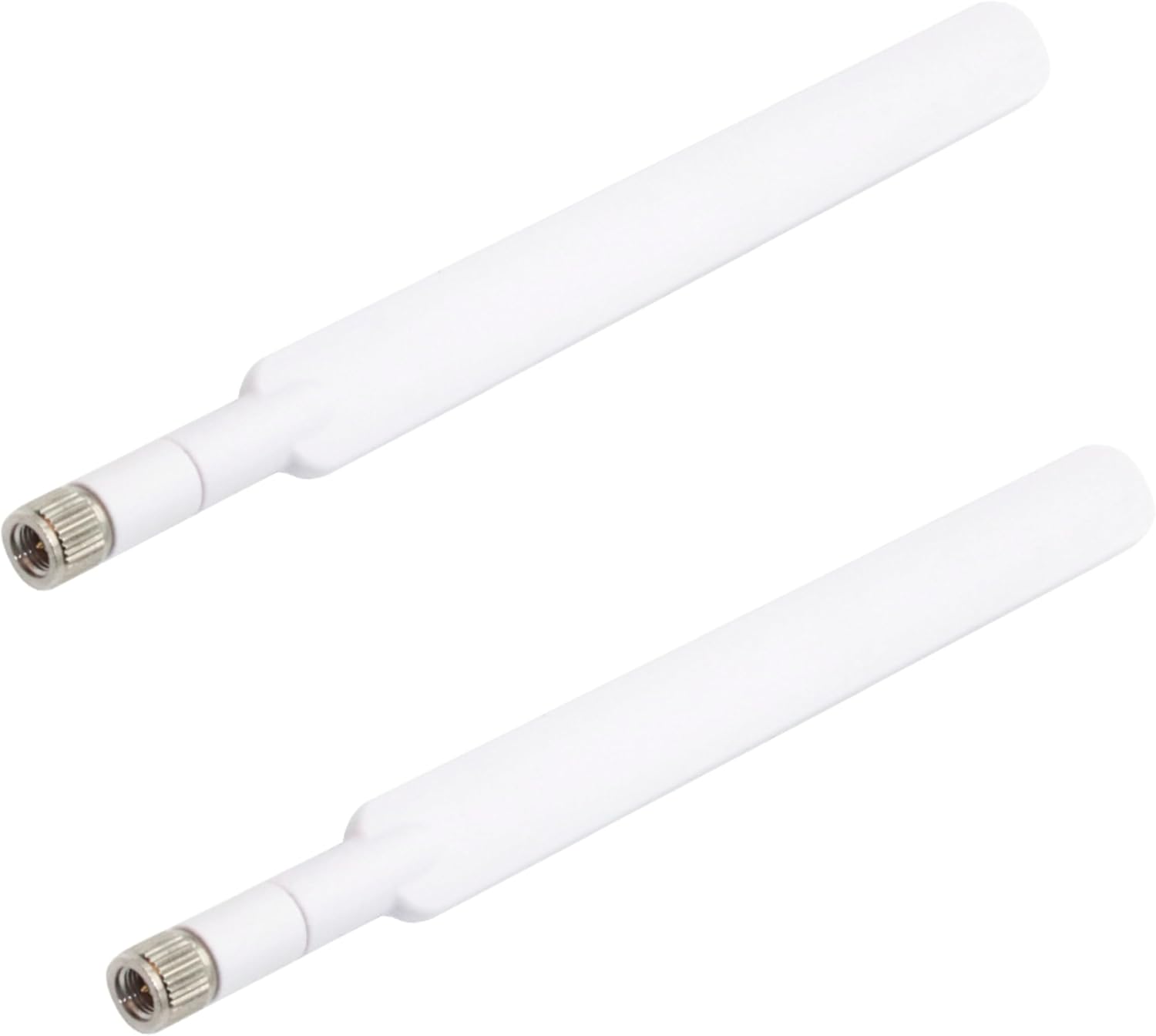
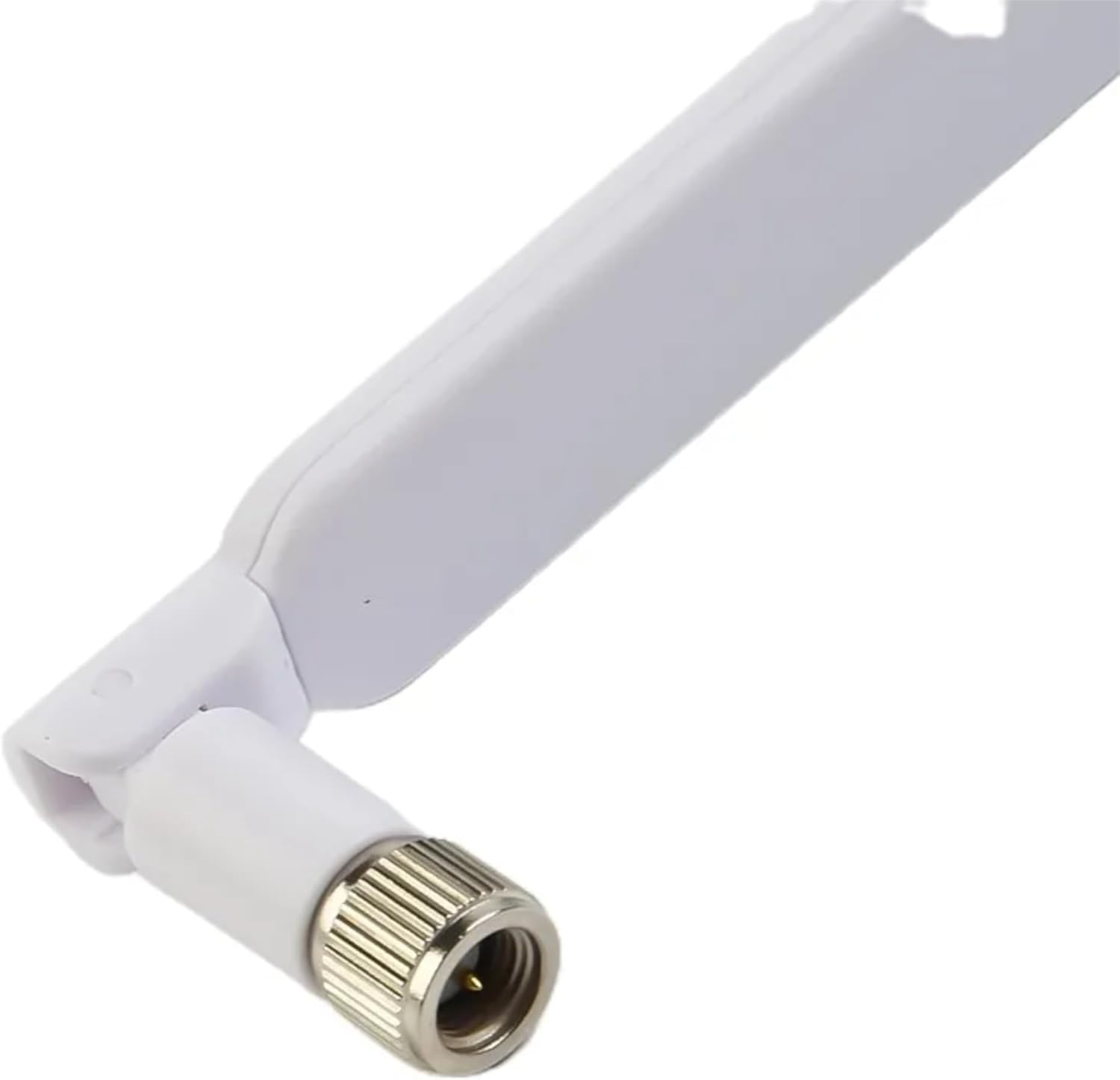
Includes 2 x SMA External Antennas for increased performance & speed600mbps Download SpeedsSimple plug & playBackwards compatible from 4G+, then to 4G, then to to 3G etc3 x Gigabit LAN Ethernet Ports + 1 x Gigabit WLAN/LAN Ethernet Port1 x RJ11 Telephone PortConnect up to 64 Wireless Devices at onceWi-Fi: a/b//g/n/acBoth 2.4ghz & 5ghz Wi-Fi bandsWi-Fi Encryption Authentication for secure browsing at all times
Info:
1 Year WarrantyTrusted UK supplierVAT Invoice supplied with every order
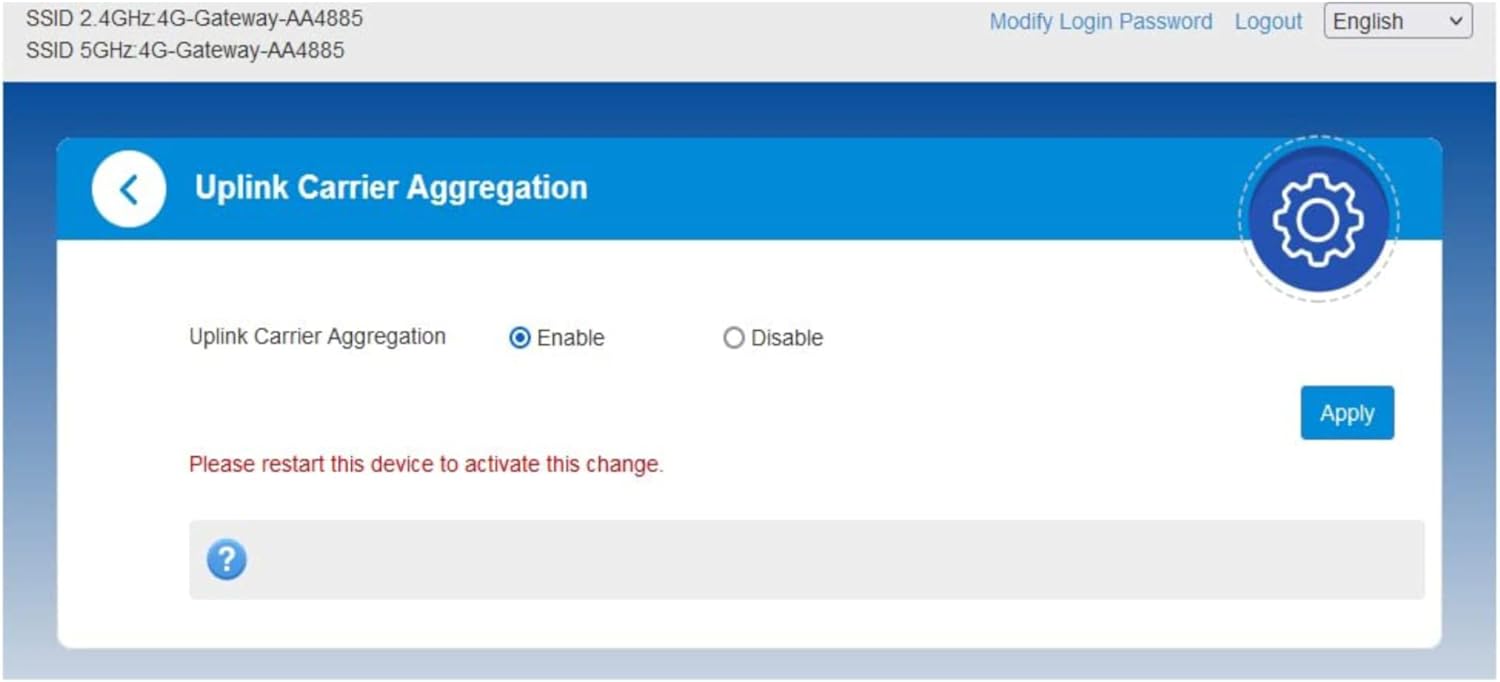
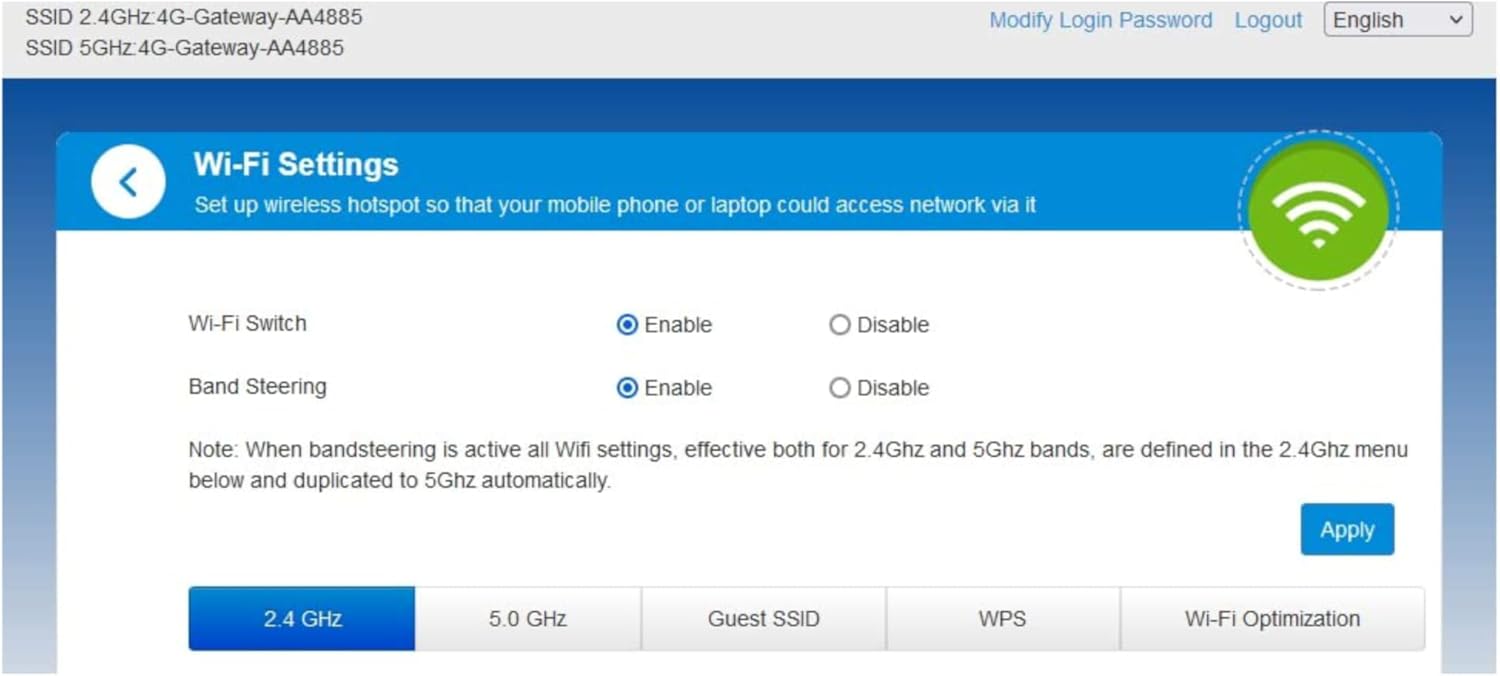
Sim Status Unlocked. Will work with any Sim from any operator Worldwide Antennas Internal + 2 x External SMA (Included) Download Speed 600mbps Upload Speed 150mbps No. of Wi-Fi Connections 64 Wi-Fi a/b/g/n/ac Wi-Fi Bands Dual Band: 2.4ghz & 5Ghz Bridge Mode Yes VPN Support Yes Inbuilt Firewall Yes MAC Address Filtering Yes Band Steering Yes Perfect For Home, Office, Gaming, Motor Home, Travel, Caravans & more Sim Size Full Sized Sim (Largest Size) Operating Frequencies: 4G: B1/B3/B7/B8/B20/B32. 3G: B1/B2/B5/B8
Unlocked ZTE MF286D CAT 12 600mbps 4G+/LTE Router (White)
[COMPATABILITY] Will work with any network Sim card Worldwide.
[ACCESSORIES] Includes 2 x SMA External Antennas
[SPEED] Lightning-Fast CAT 12 600mbps Download Speeds. Qualcomm MDM9230 Chipset
[WI-FI] 2.4/5GHz Wi-Fi Channels. 802.11a/b/g/n/ac. 2 x RJ11 Telephone Ports, 3 x LAN GE Ports (RJ45) 1 x LAN/WAN GE Port (RJ45), 1 x USB Port
[CONNECTIVITY] VoLTE Calling, Bridge Mode. Connect up to 64 Wireless devices. Perfect for Office or Home. IPv4, IPv6. Up to 4×4 MIMO & 256QAM supported
6 reviews for Unlocked ZTE MF286D CAT 12 600mbps 4G+/LTE Home/Office Router (White). 2 x RJ11 Tel Ports. 2 x External Antennas. Works with any Mobile Network Sim Worldwide. 2.4/5GHz Wi-Fi + Bridge Mode (Renewed)
Add a review
Related Products


£84.95


Luke –
I’m really impressed with the 3 Network ZTE MF286D 4G+ Router
I’m really impressed with the 3 Network ZTE MF286D 4G+ Router; it’s been a reliable and powerful solution for home internet. Setup was quick and simple, and it works seamlessly with any SIM card on the 3 Network. The two external antennas make a noticeable difference in signal strength and stability, especially in areas where reception can be a bit patchy.The router delivers fast, consistent 4G+ speeds, and my devices stay connected without drops even when streaming, gaming, or working from home. The web interface is easy to navigate, and I love that there’s minimal fuss once it’s up and running. Compact, sleek, and dependable , this has been a great investment for anyone needing solid mobile broadband at home or on the go. Highly recommended!
Sherry Roberts –
A brilliant pice of equipment – works brilliantly
Received the router yesterday . Being old and not very techno , we didn’t really know what to do . We rang the number on the card that came with the device ( Eternalcomms ) and spoke to a lovely man named Steve . He talked us through steps to get the device sorted. Because we were still needing a bit more support, we were able to visit the offices of the company in Brookmams Park (30 mins away from where we live) and Steve finished the set up for us . It wasn’t a problem with the devise – it was a problem with our lack of tech knowledge .The product is now working fantastically and we cannot fault the amazing tech support we got . It was actually a very easy process !🥹
Cyrilia D. –
very unhappy. they should give you the option of 0 stars. because that is what i give this
This item was sold with a smarty card. so i duly joined smarty for my internet service. I started experiencing problems, buffering, dropping out, unable to access email, and apps on and off. contacted seller who after some dialogue informed that the service carrier must have blocks on and i should request removal, which i did, but problem persisted.after more dialogue i was told that the problem due to the fact that Smarty piggy back off the 3 network and that the router was only finding a signal on and off . i was sent a link and told to follow the instructions and the problem would be fixed. followed the instructions and continued to have the same problems.decided to try the sim card in another router, worked perfectly. went back to seller to inform that as i had previously indicated i believed the router was faulty and requested a replacement.seller came back saying that the service would only be as good as the service from the provider.i contacted amazon customer service who initially informed me that they would contact seller but in any event after 48 hours i should make A-Z claim. only to find on trying to make the said claim it was denied as the 90 day deadline had passed . i am left with a very poor internet service , having wasted hours contacting seller, amazon customer service and no way to remedy the problem. last word from Amazon was a suggestion that i should claim back through my bank. sounds to me like dereliction of duty
Rob –
It works well – but some things to be aware of
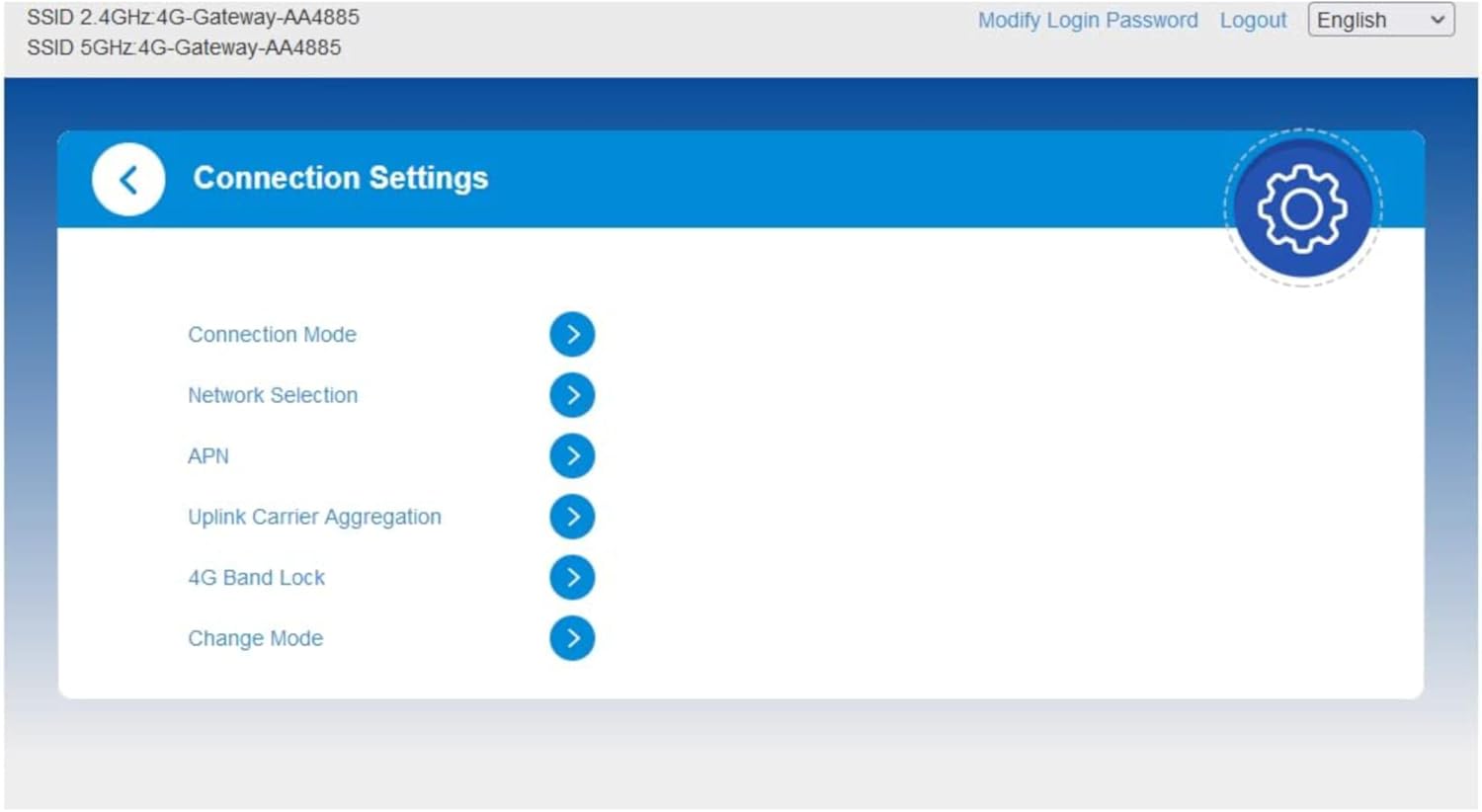
The unit is OK if a bit flimsy and light – simple to set up with a full sized sim card put into the slot following the user guide.Turned it on – power light came on immediately, waited for the wifi light and signal strength light to turn blue.Plugged my Ethernet cable into PC and router. 192.168.32.1 according to the guide is the admin page, it failed to connect – looking at the label on the router it is actually 192.168.0.1 – which also failed to connect. The wifi light was on so , being without a smart phone luckily I have a tablet which accepted the password from the label (has to be 15 characters apparently numbers , upper case and lower case letters only) – once I was into the settings it became apparent that the device has two operating modes 1= wireless 2 = PC.The 4G indicator on mine flashes blue constantly and the unit uses just over 1 megabyte per day of data even when not being used for internet – it is supposed to be solid blue when registered to a network – this however does not seem to be a problem.I turned on the PC mode and was then able to get into settings using my PC.The wifi security appears to be WPA2-PSK by default – might be changeable – will have a look later.There is a WPS button so any device with WPS does not need a huge password to be input.Wifi signal seems good, but I rarely use wifi .Download speeds between 110 mbps early mornings and 30 mbps at peak times – upload speeds also seem OK.The phone works using the sim card number – there are two phone sockets , which I find odd, one would do surely.The LAN ports are full gigabit – I saw my first 120Mega Bytes per second file transfer using this router.On balance so far it is good and works well but a bit unusual in having a default of wireless only connection on set up and the settings interface is also a bit weird – password for the router is upper case letters and numbers only.
JOHN MUIR –
Excellent router ( good sim/mobile coverage required )
Using is a rural island location with poor cable connection and terrible broadband in house so was hopeful EE SIM card would improve things. I knew EE mobile coverage was good hence used that SIM card.I now have excellent WiFi using this router. Set up was easy although I was confused as was picking up local EE router from other people was thought it was mine…..the username is on the router but isn’t anything to do with EE or router type so take care when looking for it ( was obvious eventually to me) instruction are good it was just me !!!!
JP –
We recieced this item but it is not unlocked, it appears to be second hand and it only works three network. It has the Three name and logo on the front of the unit. It does not have ZTE written anywhere. I can’t seem to find anywhere on Amazon to contact the supplier about this unit. I had to get a Three sim card and it works with that but the reception with Three is terrible in our location even with an Arial. Very disappointing